The best kids headphones for UK families are the ones that fit the child, connect to their device and let you manage both volume and listening time. Choose the JBL Junior 320 for a simple wired connection, the Belkin SoundForm Mini for lower-cost wireless listening with a cable backup, the JBL Junior 320BT for app-based parental controls, or the JBL Junior 470NC when active noise cancellation matters. A volume cap is not a guarantee of safe all-day listening: keep the level low and build in quiet breaks.
This shortlist covers wired, wireless and ANC choices for younger children, not teenagers or children under three. JBL positions its three models for ages 3–8, while Belkin says the SoundForm Mini is designed for ages three and up; neither statement guarantees a good fit for an individual child. The exact examples below are single pairs: blue JBL 320, blue Belkin SoundForm Mini, blue JBL 320BT and white JBL 470NC.
Best Kids Headphones in the UK: Quick Comparison
| Headphones | Choose for | Connection and controls | Main compromise |
|---|---|---|---|
| JBL Junior 320 | Simple schoolwork or a tablet with a headphone socket | 3.5mm wired; microphone; manufacturer-rated under-85dB limit | No Bluetooth or app-based time controls; adapter may be needed |
| Belkin SoundForm Mini Wireless | Lower-cost Bluetooth with a supplied wired backup | Bluetooth 5.3; built-in microphone; 3.5mm cable; up to 30h playback; 85dB cap in Bluetooth mode | No app-based time controls or ANC; check the cap behaviour before relying on wired mode |
| JBL Junior 320BT | Bluetooth listening with parental settings | Bluetooth; microphone; lower volume/time limits and PIN via app; up to 50h playback | No ANC; no wired fallback specified |
| JBL Junior 470NC | Noisy journeys and a wired listening backup | Bluetooth plus supplied 3.5mm cable; ANC; app controls; up to 28h ANC on / 50h off | Larger over-ear design; do not assume wired mode retains every wireless feature |
How we chose: we compared documented connection modes, parental controls, fit and supplied accessories, then checked exact UK availability for each recommended model. These are research-led recommendations, not hands-on sound, comfort or durability tests. The four models earn their places through distinct buying uses, not brand coverage for its own sake.
- The four headphones
- Volume limits
- Device and microphone checks
- Fit and care
- Buying decision
- Frequently asked questions
Four Headphones for Different Needs
JBL Junior 320 — Simple Wired Listening
Choose the 320 when the device has a compatible 3.5mm headset socket and avoiding charging matters more than wireless freedom. It has a microphone for calls or lessons and folds flat. There is no battery to run down, but the cable ties the child to the device: leave enough slack and keep it out of walkways.
JBL documents an on-ear design and a built-in volume limit below 85dB. This is not the 320BT: it does not inherit the wireless model’s app controls. For a USB-C-only tablet, budget for a compatible audio adapter that also supports microphone input; an adapter is not included with this pair.
Buy it if: a wired connection meets the school or device requirement. Skip it if: parent-set listening-time controls or Bluetooth are priorities. Those are reasons to choose the 320BT, not reasons to assume this simpler pair sounds worse.

Belkin SoundForm Mini Wireless — Budget Wireless with a Cable Backup
The SoundForm Mini is the strongest non-JBL addition for families who want both Bluetooth and a supplied 3.5mm cable without paying for ANC. The exact blue pair here is positioned by Belkin for ages three and up, has kid-sized on-ear cushions and includes a built-in microphone. Fit still needs checking on the child rather than inferred from the age label.
Belkin specifies up to 30 hours of battery life, USB-C charging and an 85dB cap in Bluetooth mode. The supplied four-foot audio cable gives a useful fallback for compatible devices, but Belkin qualifies the cap as a Bluetooth-mode feature. Do not assume the same limiting or microphone behaviour through every wired device; test the intended school or tablet setup.
Buy it if: price, Bluetooth and a cable backup matter more than app-based controls. Skip it if: you want a parent PIN, a lower adjustable limit or listening-time settings; the JBL 320BT is the better fit for those controls.

JBL Junior 320BT — Wireless with Parental Controls
The useful upgrade here is control, not simply losing the wire. JBL’s app supports a lower maximum volume, daily listening-time settings and a PIN. That makes the 320BT the first pair to consider when a parent wants to set boundaries on a Bluetooth tablet or phone.
JBL specifies up to 50 hours of playback, a built-in microphone and USB-C charging, with the charging cable included. Treat that battery figure as a maximum, not a reason for longer sessions. Check that a suitable USB power source is available; a mains charger is not in the stated box contents.
Buy it if: you want app-controlled wireless use without paying for ANC. Skip it if: a school requires wired headphones or you need an audio cable when the battery is flat. The 320BT is not specified with that fallback.

JBL Junior 470NC — ANC for Journeys
The 470NC adds active noise cancellation and larger over-ear cups. Choose it over the 320BT when background noise is the recurring problem, rather than turning the volume up to compete. Our ANC explainer covers how it works. ANC is a listening feature, not certified hearing protection or a guarantee that every child will like the sensation.
JBL specifies up to 28 hours with ANC on and 50 hours with it off. A 3.5mm audio cable and USB-C charging cable are included, alongside app-based volume and time controls for wireless use. The 50-hour headline must not be read as ANC-on battery life.
Buy it if: ANC and a wired listening backup justify the larger pair. Skip it if: quiet-room use and compact on-ear cups are the priority. Wired-mode microphone and parental-control behaviour are not established here; check those requirements before relying on the cable for school calls.

What Volume Limiting Can and Cannot Do
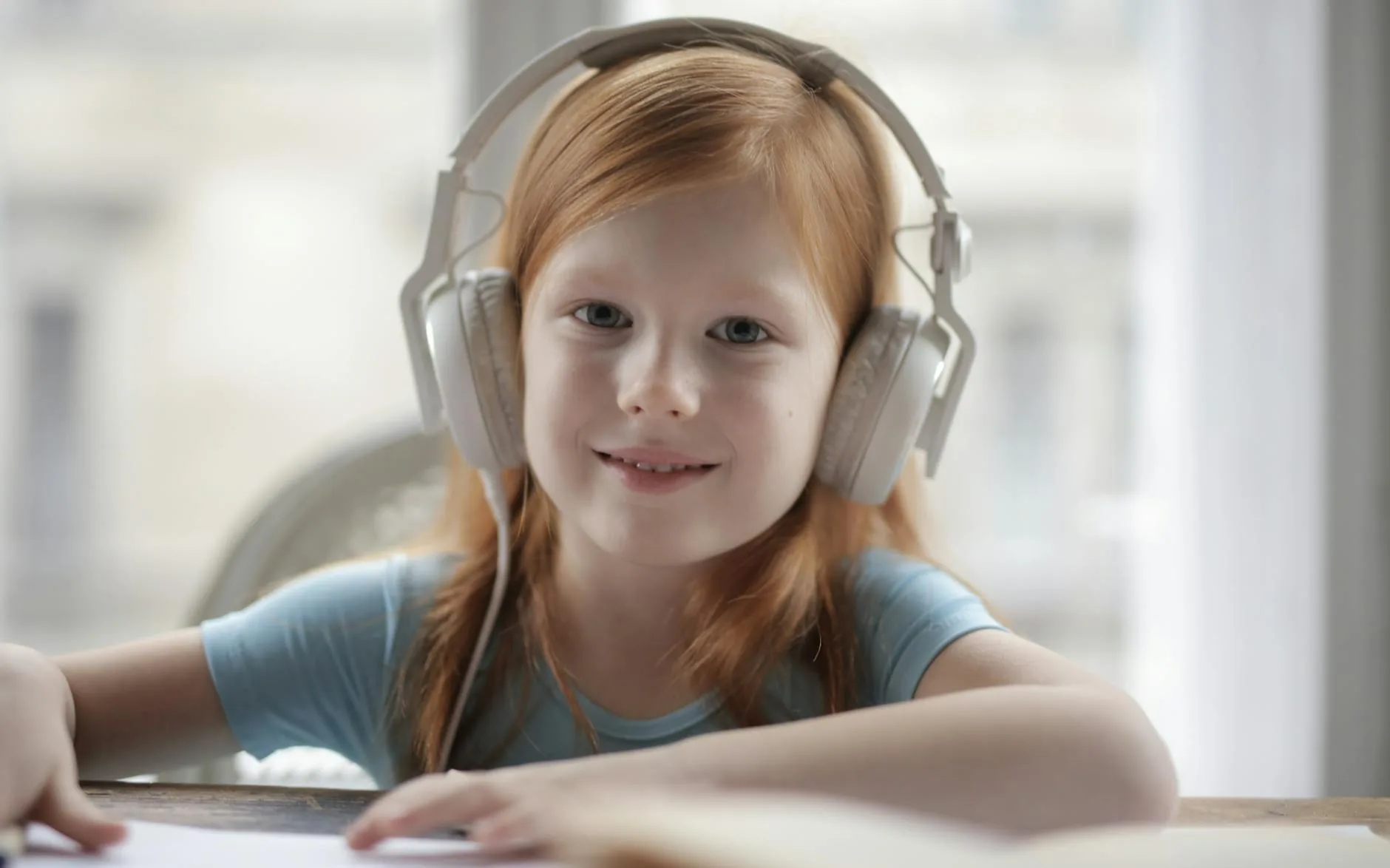
An 85dB label describes a claimed output limit, not a daily listening allowance. The WHO–ITU safe-listening standard uses a children’s reference exposure of 75dB for 40 hours per week. That reference is not a target to fill, and louder sound uses the allowance faster. The old idea that 85dB is automatically harmless for eight hours does not belong in a children’s buying decision.
Use the lowest comfortable level, limit session length and take quiet breaks. A percentage on a tablet slider does not tell you the sound level at the ear. Neither a manufacturer cap nor an app report is an independent measurement of this child’s exposure with every device and connection.
- Set controls together: establish the parent PIN and a lower limit where the model supports it.
- Check the connection: changing to a cable or adapter can change which controls apply.
- Respond to discomfort: stop the session if the child says their ears hurt or the sound is unpleasant; persistent hearing concerns need professional advice.
Check the Tablet, Cable and Microphone
Match the Port Before Buying
A 3.5mm plug will not connect directly to a USB-C-only iPad. A Bluetooth pair will not necessarily work with a classroom computer whose wireless connections are restricted. Check the actual device and school instructions first, including whether it needs a microphone. USB-C charging does not mean USB-C audio.
For online lessons, make a short test call in the application the school uses. Select the intended input and output, and check that the microphone is not muted. A computer with separate headphone and microphone sockets may need a suitable headset splitter. Console and flight-entertainment compatibility should be checked separately rather than inferred from “Bluetooth”.
If the real requirement is a desk-based recording setup, our USB microphone guide explains that separate equipment category; it is not needed simply because these headphones have a small microphone.
Fit, Care and Everyday Use
The earcups should stay in position without the headband being tightened to an uncomfortable squeeze. Ask the child to look down and turn their head; check for slipping, pinching and interference with glasses. On-ear and over-ear designs feel different, so do not choose solely from an age label. For a child outgrowing these sizes, compare fit and connection choices in our headphone buyer’s guide.
Put headphones away dry, keep cables loosely coiled and avoid crushing hinges in a school bag. Follow the maker’s cleaning instructions rather than soaking cushions or ports. Our headphone cleaning guide covers routine care. No build material here establishes a guaranteed lifespan, and a wireless design still needs careful charging-port handling.

Which Pair Should You Choose?
Choose the JBL 320 for a wired-only setup, the Belkin SoundForm Mini for budget wireless with a cable fallback, the JBL 320BT for app-based parental controls, or the JBL 470NC for ANC. Check fit before paying for extra features, then check that the required microphone and controls work in the connection mode you will use. These are buyer-fit recommendations rather than one universal winner.
Older children may need a different-sized pair; our headphones under £50 guide offers broader choices, but adult headphones should not be assumed to include children’s volume controls. Keep the device restrictions and listening routine in place when moving up a size.
Frequently Asked Questions
Are 85dB kids headphones safe all day? No. A claimed volume cap is not a guarantee of safe unlimited listening. Keep the level low, limit session length and take quiet breaks; volume and duration both matter.
Which model works without charging? The wired JBL Junior 320 never needs charging. The Belkin SoundForm Mini and JBL 470NC include audio cables for wired listening, while the JBL 320BT has no specified wired fallback. Do not assume every wireless feature works through a cable.
Can I set a lower volume limit? The Junior 320BT and 470NC support app-based lower volume limits and listening-time controls, with a parent PIN. The wired Junior 320 does not have those app controls.
Will these work with a USB-C-only iPad? Use Bluetooth with the Belkin SoundForm Mini, JBL 320BT or JBL 470NC. The wired JBL 320 needs a compatible USB-C audio adapter; check microphone support too. A charging cable is not an audio adapter.
Are these suitable for toddlers or teenagers? JBL positions its models for ages 3–8, while Belkin starts at age three. Those ranges do not guarantee fit for an individual child, and this shortlist is not for children under three. Older children may need a larger design.
Does noise cancellation replace hearing protection? No. The Junior 470NC uses ANC for listening comfort in background noise. Do not treat it as protective earmuffs for loud events or as permission to increase volume or listening time.