You’ve just bought a new amplifier and you’re staring at the back panel. There’s a red and white pair of sockets, something labelled “optical”, an HDMI port, and a couple of holes you’ve never seen before. The manual says “connect using an appropriate cable” as if that explains anything. Welcome to the world of audio cables — where the right connection makes a real difference and the wrong one gives you silence, static, or a lightshow of error messages.
In This Article
- Analogue vs Digital: The Fundamental Split
- Analogue Cable Types
- Digital Cable Types
- Which Cable for Which Setup
- Does Cable Quality Actually Matter
- Cable Lengths and Signal Degradation
- Adapters and Converters
- Common Connection Mistakes
- Building Your Cable Collection
- Frequently Asked Questions
Analogue vs Digital: The Fundamental Split
Every audio cable falls into one of two categories, and understanding which is which solves most of the confusion.
Analogue Cables
Analogue cables carry a continuous electrical signal that directly represents the sound wave. The voltage going through the cable rises and falls in the same pattern as the music. This is the traditional way audio has travelled since the earliest amplifiers and speakers.
- Pros: Simple, universal, no processing delay, works with virtually every piece of audio equipment ever made
- Cons: Susceptible to interference (buzzing, humming), signal degrades over long distances, can pick up electrical noise from nearby power cables
Digital Cables
Digital cables carry audio as a stream of binary data — ones and zeros. The receiving device decodes this data back into an analogue signal that speakers can use. It’s the same principle as streaming music, just happening through a physical cable instead of Wi-Fi.
- Pros: No interference or signal degradation (the data either arrives intact or it doesn’t), can carry multiple channels (surround sound), supports higher quality formats
- Cons: Requires compatible equipment at both ends, adds a tiny processing delay (usually imperceptible), the receiving device’s DAC quality affects the final sound
If you’re interested in how digital-to-analogue conversion works and why it matters, our DAC guide explains the technology in detail.
Analogue Cable Types
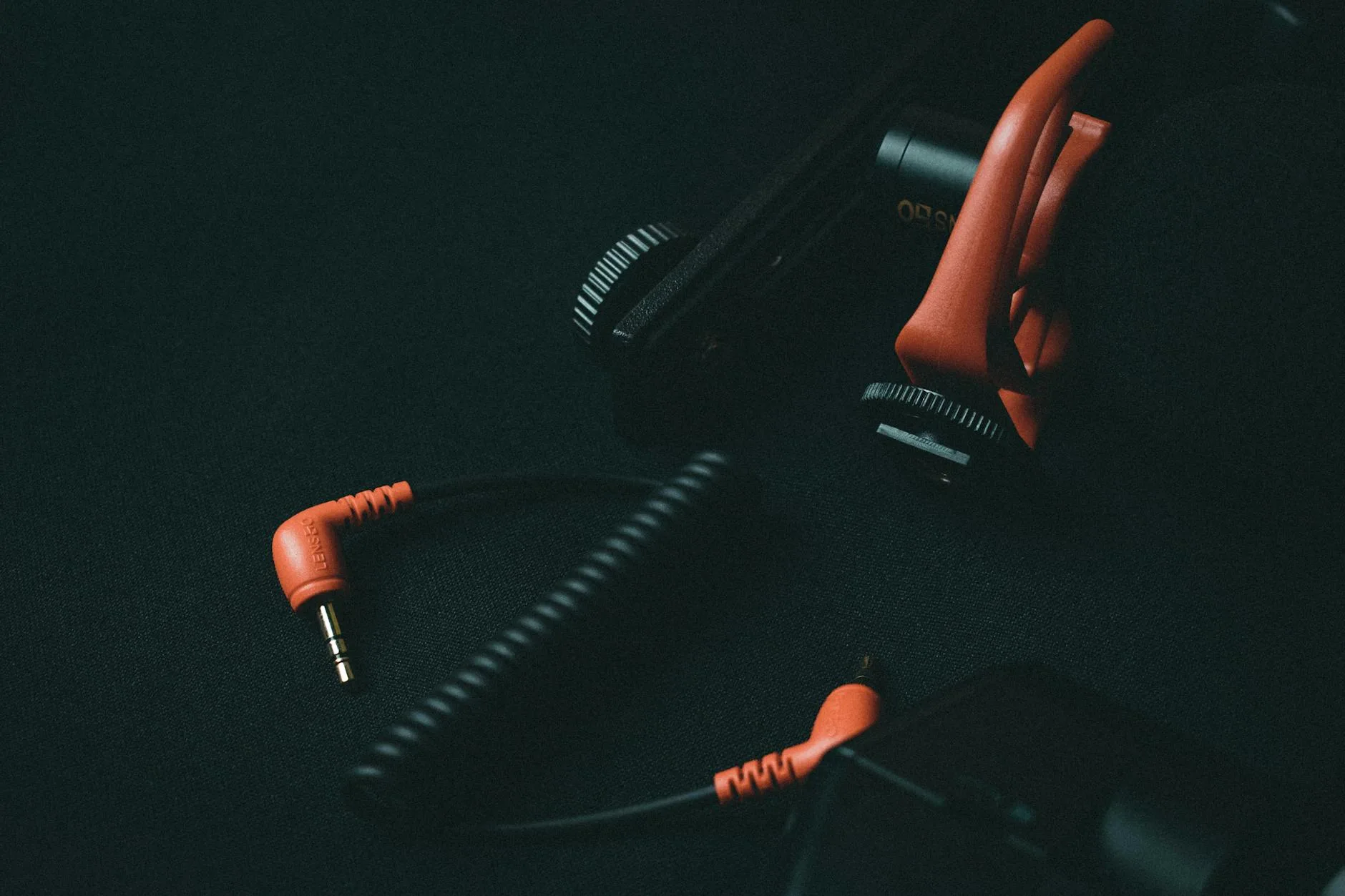
3.5mm (Aux / Headphone Jack)
The small round plug on your headphones. Officially a TRS (tip-ring-sleeve) connector.
- Used for: Headphones, portable speakers, connecting a phone to a car stereo or amplifier, microphone inputs on cameras
- Signal: Stereo (left and right channels on one cable)
- Quality: Perfectly good for short runs. The connector is small and can wobble in some sockets over time
- Price: About £3-8 for a decent one from Amazon UK
- Watch out for: TRRS variants (four sections on the plug instead of three) include a microphone channel — needed for headsets with built-in mics
6.35mm (Quarter-Inch Jack)
The larger version of the 3.5mm. Standard in professional audio and hi-fi equipment.
- Used for: Studio headphones, electric guitars, keyboard amplifiers, mixing desks, hi-fi amplifiers
- Signal: Mono (TS) or stereo (TRS) depending on the cable
- Quality: More robust than 3.5mm, better contact, less prone to accidental disconnection
- Price: About £5-12
- Watch out for: Guitar cables are TS (mono), headphone cables are TRS (stereo). Using the wrong one gives you either silence in one ear or a mono signal where you expected stereo
RCA (Phono)
The red and white plugs that have been on the back of every hi-fi component since the 1950s.
- Used for: Connecting CD players, turntables (via a phono preamp), DACs, amplifiers, and AV receivers
- Signal: Stereo — one cable per channel (red = right, white = left)
- Quality: Excellent for short to medium runs. The simple push-fit connector is reliable but can work loose on equipment that gets moved
- Price: About £5-15 for a pair
- Watch out for: RCA cables also carry video (the yellow plug in old TV setups). The cable is physically identical but audio and video RCA connections serve different purposes
XLR
The chunky three-pin connector used in professional audio.
- Used for: Microphones, PA systems, studio monitors, professional audio equipment
- Signal: Balanced mono — the three pins carry the signal, an inverted copy of the signal, and ground. This cancels out interference, which is why XLR cables can run 50+ metres without noise problems
- Quality: The best analogue connection for noise rejection. The locking mechanism means cables can’t accidentally pull out
- Price: About £8-20 per cable
- Watch out for: XLR comes in male and female ends. Microphones have male outputs; mixers and preamps have female inputs. Getting the gender wrong means buying an adapter
Speaker Cable
Not technically a “connector” — it’s bare or banana-plug terminated wire that runs from your amplifier to your speakers.
- Used for: Connecting passive speakers to amplifiers and AV receivers
- Signal: Amplified analogue signal (much higher power than line-level RCA or XLR)
- Quality: Gauge (thickness) matters here. For runs under 5 metres, 16-gauge is fine. For longer runs or higher-power systems, 14 or 12-gauge reduces resistance
- Price: About £1-3 per metre for decent quality, plus banana plugs (about £5-10 for a set of 4) if you want clean terminations
- Watch out for: Speaker cable is not the same as RCA cable. The signal levels are completely different — connecting speaker wire to a line-level input can damage equipment
Digital Cable Types
Optical (Toslink)
A fibre optic cable that transmits audio as pulses of light.
- Used for: Connecting TVs to soundbars, games consoles to AV receivers, CD players to DACs
- Signal: Up to 5.1 surround sound (Dolby Digital, DTS). Does NOT support Dolby Atmos or DTS:X — those need HDMI
- Quality: Completely immune to electrical interference because it uses light, not electricity. Perfect if you’re getting ground loop hum through other connections
- Price: About £5-10
- Watch out for: The connectors are fragile — the clear plastic tip can snap if you bend the cable sharply. Don’t step on it or run it under furniture legs
Coaxial Digital
Uses a standard RCA-style plug but carries a digital signal instead of analogue.
- Used for: Connecting CD players, DACs, and older AV equipment
- Signal: Same quality as optical — up to 5.1 surround. Technically can carry slightly higher bandwidth than optical but in practice the difference is negligible for home use
- Quality: More robust connector than optical. Some audiophiles prefer coaxial for its marginally better jitter performance, but the audible difference is debatable
- Price: About £5-15
- Watch out for: A coaxial digital cable looks identical to an analogue RCA cable. They’re electrically different (75-ohm impedance for digital vs unspecified for analogue). Using an analogue RCA as a digital coaxial often works but can introduce errors on longer runs
HDMI
The standard for modern home entertainment audio and video.
- Used for: TVs, soundbars, AV receivers, games consoles, streaming devices, Blu-ray players
- Signal: Up to 7.1 uncompressed surround, Dolby Atmos, DTS:X — the only consumer cable that supports these formats. Also carries video simultaneously
- Quality: HDMI version matters. The HDMI 2.1 specification supports eARC (enhanced Audio Return Channel), which sends full-quality Atmos audio from your TV back to a soundbar or receiver. Older HDMI versions limit you to compressed audio through ARC
- Price: About £5-15 for a certified cable
- Watch out for: Cheap HDMI cables from market stalls often don’t meet the specification they claim. Buy from reputable brands (Belkin, Cable Matters, Amazon Basics) and check for “Ultra High Speed” certification if you need HDMI 2.1 features
USB
Increasingly used for audio connections, especially with DACs and audio interfaces.
- Used for: Connecting external DACs to computers, audio interfaces for recording, USB microphones
- Signal: Digital audio data, decoded by the DAC at the receiving end
- Quality: USB audio quality depends on the DAC, not the cable. A basic USB-A to USB-B cable is fine for most setups
- Price: About £3-8
- Watch out for: USB-C is becoming standard on newer DACs. Make sure you’re buying the right connector type for your device
Which Cable for Which Setup
TV to Soundbar
- Best: HDMI with eARC support — carries Dolby Atmos and the highest quality audio
- Good: Optical — reliable, simple, handles standard surround sound
- Avoid: 3.5mm aux — limits you to stereo and introduces potential interference
Turntable to Amplifier
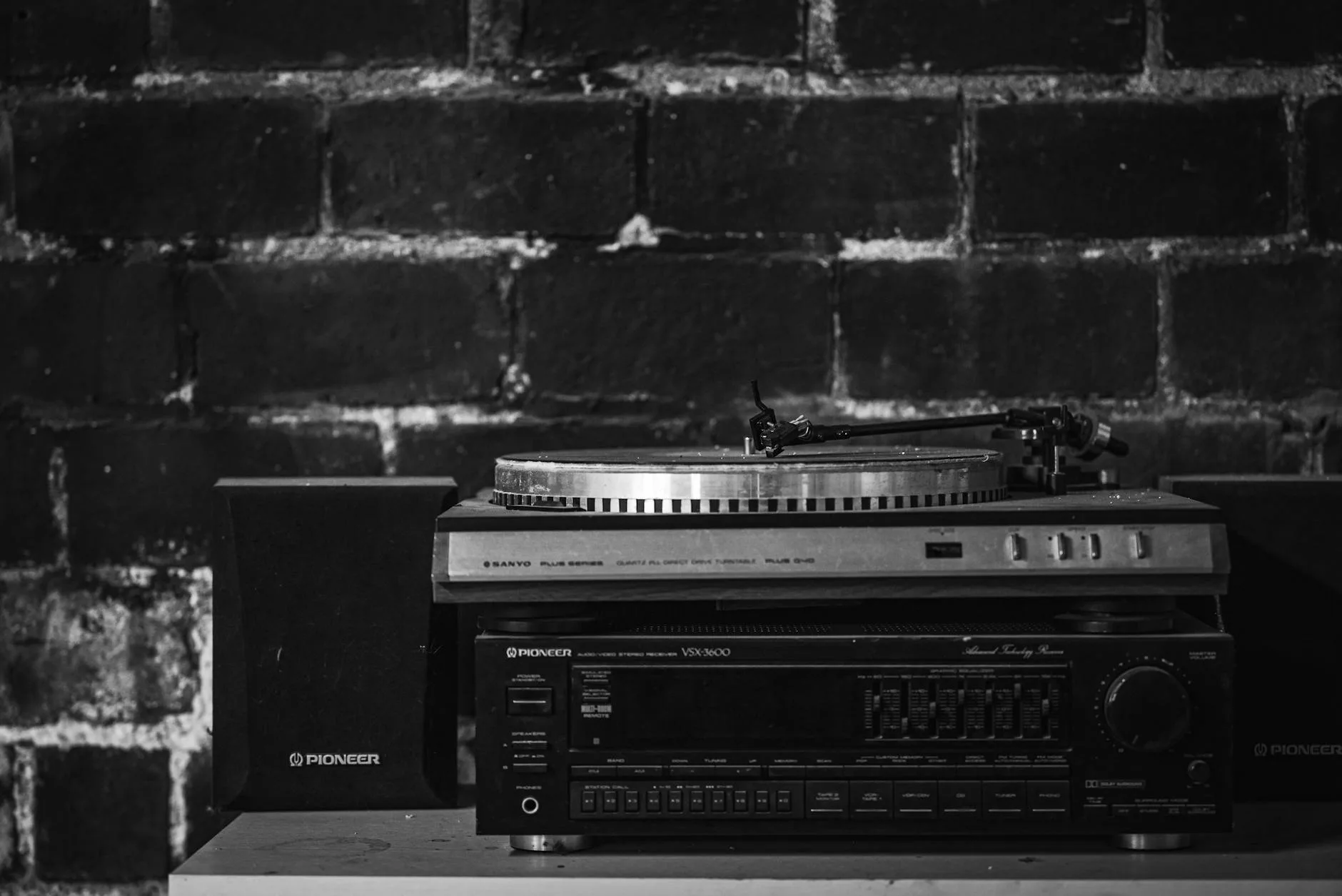
- Best: RCA cables (usually included with the turntable). If your amp has a phono input, connect directly. If not, you need a phono preamp between them
- Alternative: Some turntables have built-in preamps and can connect via 3.5mm or even Bluetooth
Computer to Speakers
- Active speakers with USB: USB cable to the speaker’s built-in DAC
- Active speakers with analogue input: 3.5mm from the headphone output, or RCA from an external DAC
- Passive speakers: You need an amplifier between the computer and speakers, connected by whatever the amp accepts
Headphone Amplifier Setup
- Source to amp: RCA or 3.5mm from your DAC or audio source
- Amp to headphones: 6.35mm jack (most desktop amps) or 3.5mm with an adapter
For full home cinema wiring advice, our home cinema setup guide covers the entire signal chain from source to speakers.
Does Cable Quality Actually Matter
This is the most controversial topic in audio. Short answer: yes, but far less than the cable industry wants you to believe.
What Matters
- Connector quality — gold-plated connectors resist corrosion and maintain a clean connection over years. Worth the small premium
- Shielding — properly shielded cables reject electrical interference. Important for long analogue runs or cables near power supplies
- Build quality — strain relief at the connector, flexible jacket material, and decent solder joints mean the cable lasts years instead of months
- Correct specification — using the right cable type for the job (75-ohm for digital coaxial, high-speed certified for HDMI 2.1) makes a real difference
What Doesn’t Matter
- £50+ “audiophile” cables — for analogue connections under 3 metres, a £10 cable performs identically to a £100 cable in blind listening tests. The signal doesn’t know how much you paid
- Oxygen-free copper marketing — standard copper cable is already 99.9%+ pure. The remaining 0.1% doesn’t affect audio quality
- Directional cables — some brands print arrows on cables claiming they should be connected in a specific direction. Electrical signals don’t have a preferred direction of travel in copper wire
- Cable lifters — devices that raise cables off the floor to “reduce vibration interference.” This is not how physics works
The Sensible Approach
Buy well-made cables with good connectors from reputable brands. Spend £5-15 per cable, not £50-150. The money you save is better spent on better speakers or a better DAC — those actually change the sound. For a related angle, see our Best HDMI Cables for Home Cinema guide.
Cable Lengths and Signal Degradation
Analogue
- 3.5mm and RCA: Fine up to 3-5 metres. Beyond that, use shielded cables and keep them away from power cables
- XLR: Good up to 50+ metres thanks to balanced signal design. The reason studios and concert venues use XLR
- Speaker cable: Under 5m, 16-gauge is fine. 5-10m, use 14-gauge. Over 10m, consider 12-gauge
Digital
- Optical: Maximum about 10 metres before signal loss. Most home setups are well under this
- Coaxial: Good up to 10-15 metres
- HDMI: Standard cables work up to 3-5 metres. For longer runs (10m+), active HDMI cables or fibre optic HDMI cables are needed
- USB: Reliable up to about 3 metres for audio. Beyond that, use an active USB extension or a USB-over-ethernet extender
Adapters and Converters
Simple Adapters (Analogue Only)
- 3.5mm to 6.35mm — passive adapter, no signal loss. About £2-3. Keep one in your headphone case
- RCA to 3.5mm — passive adapter cable. Useful for connecting a phone to a hi-fi amp. About £3-5
- XLR to 6.35mm — works but converts from balanced to unbalanced. Fine for short runs
Converters (Analogue ↔ Digital)
- Optical to RCA — needs a DAC converter box (about £15-25). You can’t simply adapt the connector because the signal type is different
- HDMI to optical — needs an audio extractor (about £15-30). Useful when your soundbar only has optical but your source only has HDMI
- USB to 3.5mm — your computer’s sound card does this internally, but an external USB DAC (about £20-100+) does it better
The Rule
Analogue-to-analogue adapters are simple and cheap. Digital-to-analogue or analogue-to-digital conversions need active converter boxes. There’s no such thing as a passive optical-to-RCA adapter — if someone’s selling one, it won’t work.
Common Connection Mistakes
- Using the wrong HDMI port — many TVs have one HDMI port labelled “ARC” or “eARC.” If your soundbar is connected to a different port, you won’t get return audio from the TV
- Connecting a turntable to a line input without a preamp — the signal will be almost inaudible and sound tinny. Turntables output a phono-level signal that needs amplification before reaching a standard input
- Running analogue cables parallel to power cables — this introduces 50Hz mains hum. Cross power cables at right angles if they must intersect, and keep audio cables at least 15cm away from mains leads
- Assuming all HDMI cables are the same — HDMI 2.1 features (4K 120Hz, eARC, Dolby Atmos passthrough) require Ultra High Speed certified cables. Older cables may work for video but drop audio features silently
- Buying expensive cables before fixing the basics — a £80 optical cable connected to a TV with bad speakers won’t sound better than a £5 one. Invest in better speakers or headphones first
Building Your Cable Collection
You don’t need everything at once. Start with what your current equipment needs and add as you upgrade.
The Starter Kit (Under £30)
- 1× HDMI Ultra High Speed cable (2m) — about £8-10. Covers TV to soundbar or receiver
- 1× optical cable (1.5m) — about £5-7. Backup for devices without HDMI audio
- 1× 3.5mm to 3.5mm (1m) — about £4-5. Connects phone or laptop to speakers
- 1× 3.5mm to 6.35mm adapter — about £2-3. For headphones with different jack sizes
The Hi-Fi Addition (Under £50 extra)
- 1× pair of RCA cables (1m) — about £8-12. Connects DAC to amplifier or turntable to preamp
- 1× USB-A to USB-B cable (1m) — about £5. For a desktop DAC
- Speaker cable (10m roll, 16-gauge) — about £10-15. Plus banana plugs
If you want to understand more about headphone impedance and why it affects which output you should connect to, that guide fills in the electrical side of the picture.
Frequently Asked Questions
Is optical better than HDMI for audio? No. HDMI supports higher-quality audio formats including Dolby Atmos and uncompressed 7.1 surround. Optical is limited to standard Dolby Digital and DTS (5.1). Use HDMI with eARC when possible. Optical is still useful as a backup or when HDMI isn’t available. Our Speaker Specifications Explained: Watts, Sensitivity & Impedance guide is useful alongside this.
Do gold-plated cables sound better? Gold plating prevents corrosion on the connector, which maintains a clean electrical contact over time. It doesn’t improve the audio signal itself. The practical benefit is longevity — a gold-plated connector in a damp UK house will outlast a bare nickel one by years. Worth the small premium, but don’t overpay.
Can I use a cheap HDMI cable for eARC? Only if it’s rated Ultra High Speed (48Gbps). Older High Speed cables may pass video fine but silently drop advanced audio features like eARC and Atmos. A certified Ultra High Speed cable costs about £8-12 — not worth skimping on.
Why is my audio system humming? Almost always a ground loop — two devices connected to different mains circuits creating a voltage difference that produces a 50Hz hum through analogue cables. Fix it with a ground loop isolator (about £10-15), or switch to an optical or digital connection which is immune to ground loops.
Do I need balanced (XLR) cables for home audio? For most home setups, no. Balanced cables prevent interference over long cable runs (10m+), which matters in studios and live venues. At home, your cables are typically under 3 metres — unbalanced RCA or 3.5mm connections work perfectly at that distance.