Choosing an AV receiver is mostly about avoiding three mismatches: too few HDMI ports, too many unused channels, and a box that is awkward for your room. If you are working out how to choose an AV receiver for a UK living room, start with the speakers and sources you actually own, then buy the simplest receiver that handles them cleanly.
In This Article
- Start With Your Room and Speaker Layout
- Check HDMI, Gaming and TV Connections Before Anything Else
- Match Power, Impedance and Channels to Your Speakers
- Choose the AV Receiver Features You Will Actually Use
- What to Buy at Each UK Budget
- Setup Mistakes That Make Good Receivers Sound Bad
- Frequently Asked Questions
Start With Your Room and Speaker Layout
The receiver is the hub, but the room decides what kind of hub you need. A 3.2m x 4m lounge with a sofa against the back wall does not need the same receiver as a dedicated cinema room with ceiling speakers and space behind the seats.
Decide the speaker layout before the model number
For most UK living rooms, the sensible choices are:
- 3.1: left, centre, right and subwoofer. This is the biggest upgrade over TV speakers because dialogue comes from a proper centre channel.
- 5.1: front three speakers, two surrounds and a subwoofer. Best value if you watch films and have room for side or rear speakers.
- 5.1.2: a 5.1 system with two height speakers for Dolby Atmos. Worth it if you can place height speakers properly.
- 7.1 or 5.1.4: only worth planning for if you have a larger room and can position speakers without turning the lounge into a cable assault course.
Do not buy a nine-channel receiver because the spec looks impressive if you are going to run five speakers for the next five years. Spend the difference on a better centre speaker or subwoofer. That is where you will hear the money.
Dolby has a useful set of speaker setup guides showing the basic layouts, and they are worth checking before you order brackets, stands or ceiling speakers. The diagrams are not just theory; they stop you buying channels you cannot place.
Think about furniture, not just acoustics
Receivers are deep, warm and cable-heavy. Many budget TV units are built for games consoles, not an AV receiver with banana plugs, HDMI cables and ventilation space behind it.
Measure the shelf depth before you buy. A Denon AVR-X2800H is roughly 34cm deep before cables, so a shallow 35cm media unit will be tight. Leave at least 8-10cm behind the unit for HDMI bends and speaker cable. Leave space above it too, because receivers run warm when driving several speakers.
If your receiver has to live in a closed cabinet, choose a cooler-running seven-channel model rather than a monster amp. Better still, fit a quiet USB cabinet fan for about £15-£25 from Amazon UK. It is dull, but it is cheaper than cooking a £700 receiver.
Keep the receiver choice in proportion
If you are building a first home-cinema system, read our guide to setting up a home cinema on a budget before spending heavily on the receiver. A £900 receiver with £150 satellite speakers is the wrong split. A £450 receiver with a strong centre speaker, sensible fronts and a decent subwoofer will sound more convincing.
The receiver matters, but it should not swallow the system budget. For a £1,500 starter system, I would rather see £450-£600 on the receiver and the rest on speakers than the other way round.
Check HDMI, Gaming and TV Connections Before Anything Else
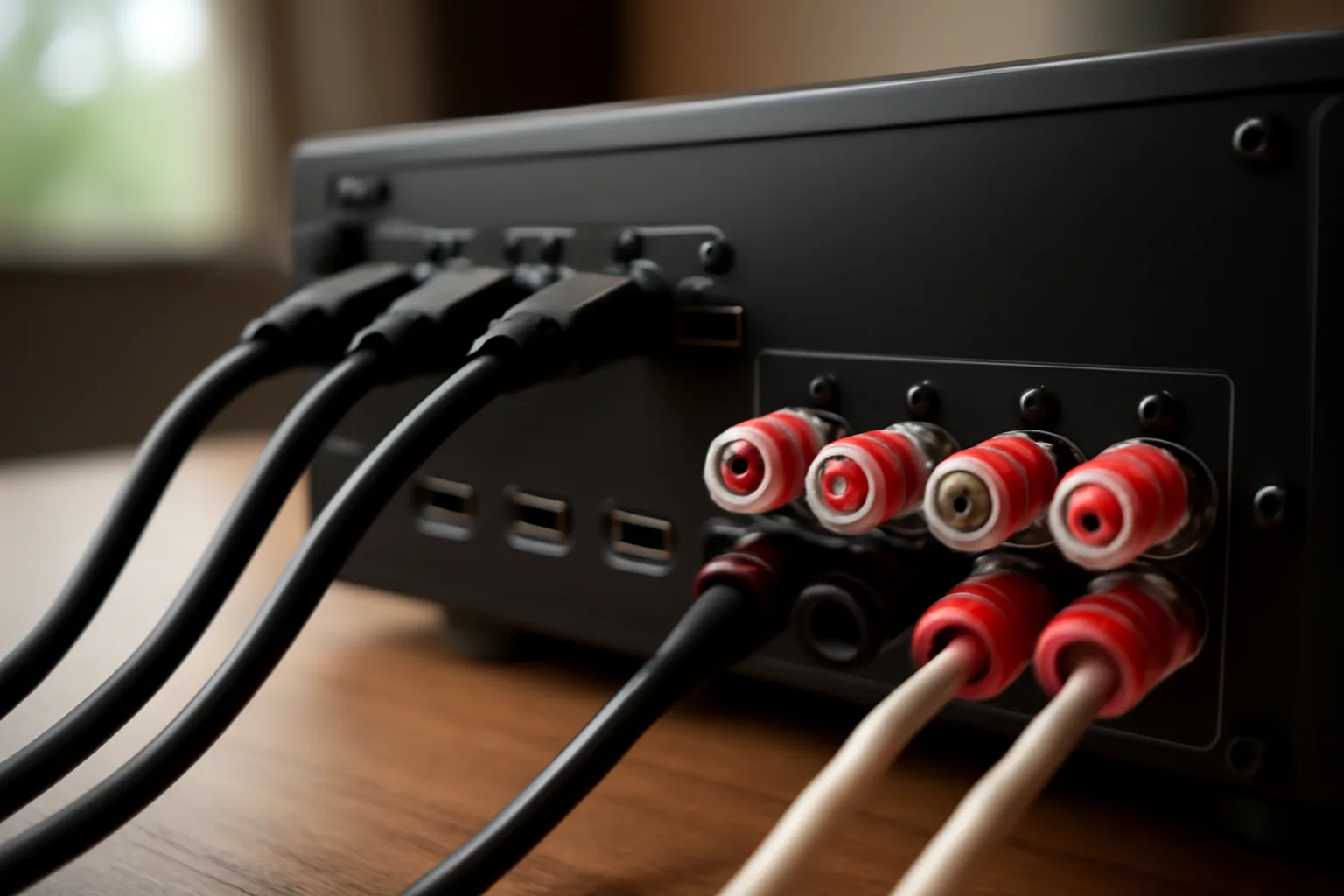
HDMI is where many otherwise good receivers become annoying. A receiver can have plenty of power and still be the wrong buy if it lacks the inputs or gaming support your sources need.
Count your sources properly
Write down everything that needs HDMI:
- TV box or streamer: Sky Stream, Apple TV 4K, Fire TV Stick, Nvidia Shield or Virgin box.
- Games console: PS5, Xbox Series X, Nintendo Switch or gaming PC.
- Disc player: 4K Blu-ray, older Blu-ray or DVD player.
- Spare input: useful for a laptop, temporary console or future upgrade.
If you need four HDMI inputs today, buy at least five. Crawling behind a receiver to swap cables gets old fast.
Check HDMI 2.1 where it matters
For film watching, almost any recent receiver with 4K HDR passthrough and eARC will do. For gaming, look for HDMI 2.1 features: 4K/120Hz, VRR and ALLM. The HDMI Forum’s Ultra High Speed HDMI cable guidance is useful here because the cable can be the weak link as well as the receiver.
The detail that catches people is the number of full-bandwidth HDMI 2.1 inputs. Some older or cheaper receivers have one or two capable inputs, not every socket. That is fine if you only have a PS5. It is less fine if you run a PS5, Xbox Series X and gaming PC through the receiver.
If gaming is central, I would choose a receiver with several HDMI 2.1 inputs over one with extra audio processing modes. You will notice a flaky console handshake more often than you will use “stadium” sound mode.
Make eARC do less work
eARC lets your TV send high-quality audio back to the receiver, which is handy if your streaming apps are built into the TV. It is also the source of many lip-sync and handshake complaints.
My preference is simple:
- Plug consoles, streamers and disc players into the receiver when the HDMI spec supports them.
- Use one HDMI cable from the receiver to the TV.
- Use eARC mainly for TV apps you cannot avoid.
This keeps input switching and audio decoding in one place. If your TV has better HDMI 2.1 support than the receiver, the reverse setup can work, but check audio format support carefully.
For more context on format support, our Dolby Atmos explained guide covers what Atmos adds and when it is worth chasing at home.
Match Power, Impedance and Channels to Your Speakers
Receiver power figures are messy. Brands quote watts in different ways, often with one or two channels driven rather than all channels playing at once. Do not compare wattage like-for-like unless the measurement conditions match.
Use speaker sensitivity before wattage
A speaker rated around 88-90dB sensitivity is easier to drive than one rated at 84dB. In a normal lounge, an honest 80-100W per channel receiver is enough for many bookshelf and floorstanding speakers at sane volumes.
Where you need more care is with low-sensitivity speakers, 4-ohm loads, large rooms and people who like action films loud. If that is you, do not buy the thinnest budget receiver and expect it to behave like a separate power amp.
Our speaker specifications guide explains watts, sensitivity and impedance in more detail. The short version: impedance tells the receiver how hard the speaker is to drive, while sensitivity tells you how loud it gets from a given amount of power.
Buy channels for the next realistic upgrade
There is a useful difference between future-proofing and fantasy-proofing.
If you have a 5.1 system now but may add two height speakers, buy a seven-channel receiver. That is sensible. If you have no space for rear speakers, no plan to cut ceiling holes, and a partner already giving the surround speakers side-eye, a nine-channel receiver is probably wasted money.
Pre-outs matter only if you might add separate power amps later. Most buyers will not. If you are running demanding speakers in a larger room, pre-outs are useful; if you are buying a compact 5.1 package, they are just extra sockets.
Do not ignore the centre speaker
The centre channel carries most film dialogue. If voices sound thin or buried, people often blame the receiver, then start changing sound modes. The usual problem is a weak centre speaker, poor placement, or room correction being skipped.
A £500 receiver with a good centre channel will beat a £1,000 receiver with a tiny centre speaker perched inside a cabinet. Place the centre close to ear height, angle it at the sofa, and keep it clear of shelf edges where possible.
For physical placement, our guide to positioning surround sound speakers is a better use of 15 minutes than reading another receiver spec sheet.
Choose the AV Receiver Features You Will Actually Use
This is where spec sheets get silly. Receivers can list dozens of modes, streaming badges and calibration tools. Some are valuable. Some are there because every rival has them.
Room correction is worth having
Room correction measures your speakers with a supplied microphone and adjusts levels, distances and EQ. It will not fix terrible placement, but it can tidy up bass, balance surround levels and make dialogue more stable.
At the budget and mid-range end, look for Audyssey MultEQ, Yamaha YPAO, Sony DCAC or similar. Denon and Marantz models often include Audyssey, and the app upgrade can be worthwhile if you enjoy tweaking. For most people, the basic auto setup is enough as long as you run it properly and check the results.
Do not skip calibration because you are impatient. Put the microphone where your head actually sits, keep the room quiet, and save the measurement. It is the least glamorous part of setup and one of the easiest wins.
Wireless features depend on your household
AirPlay 2, Bluetooth, Spotify Connect, Chromecast and multi-room platforms are handy if the receiver will also handle music. If the system is film-only and you already use a separate smart speaker or streamer, do not overpay for wireless features.
I like receivers with Spotify Connect and AirPlay because guests can use them without learning the receiver app. Bluetooth is fine for quick playback, but Wi-Fi streaming usually sounds cleaner and is less prone to dropouts.
If you are comparing speaker ecosystems rather than receivers, our Sonos vs Bose speaker system guide is the more relevant read. An AV receiver is best when you want proper passive speakers and surround formats, not just tidy whole-home audio.
App control should not be the deciding factor
Receiver apps vary from decent to mildly hateful. They are useful for changing inputs, volume and zones, but I would not choose a worse-sounding or worse-connected receiver because its app screenshots look cleaner.
Check the remote too. A busy receiver remote is normal, but it should have clear input buttons, setup access and volume controls you can find in the dark. This sounds petty until someone else in the house cannot turn on the TV without calling you.
What to Buy at Each UK Budget
Prices move around constantly, especially at Richer Sounds, Peter Tyson, Sevenoaks, Currys and Amazon UK, but these bands are a fair UK snapshot.
Budget: about £300-£450
The Sony STR-DH790 often sits around £350-£430 and makes sense for a simple 5.1 or 5.1.2 setup. It is not the slickest receiver and lacks the latest gaming-friendly HDMI feature set, but it is a reasonable entry point for films if your sources are basic.
Yamaha’s RX-V4A is usually around £379-£449. It is a good buy if you want Yamaha’s clean setup menus and a simple 5.2 layout, though serious Atmos expansion is not its strength.
At this level, be strict. If you need full HDMI 2.1 support for multiple consoles, do not kid yourself that a cheaper older receiver is “basically the same”. It is not, at least not for gaming.
Mid-range: about £500-£750
This is the sweet spot for most people. The Denon AVR-X1800H, often around £449-£549, is the receiver I would look at first for a living-room 5.1 or 5.1.2 system. It gives you modern HDMI support, Audyssey room correction and enough flexibility without turning setup into a weekend project.
The Denon AVR-X2800H is usually around £599-£699 and adds more breathing room for slightly bigger systems. Denon’s own AVR-X2800H specifications show why it is a safe middle choice: seven channels, current HDMI support and the features most UK home-cinema buyers actually use.
If I were building a new 5.1.2 system in a normal lounge, this is where my money would go. Not because the badge is exciting. Because it does the useful stuff without forcing you into premium pricing.
Premium: about £800-£1,500+
The Marantz Cinema 70s, usually around £749-£899, is worth considering if you need a slimmer receiver for a living-room cabinet. It gives up some brute force compared with bigger units, but the form factor can solve a real furniture problem.
The Denon AVR-X3800H, often £999-£1,199, makes sense if you are planning a more serious Atmos layout, want better processing options or need pre-outs. Yamaha Aventage models, often from about £800 upward, are also worth a look if you like Yamaha’s presentation and build.
Above this level, be honest about the room. Spending £1,500 on processing for a compromised sofa-against-wall layout is not clever. Put money into speakers, acoustic treatment, stands or a better subwoofer first.
Setup Mistakes That Make Good Receivers Sound Bad
A good receiver can still sound poor if the setup is rushed. I have seen more disappointing systems caused by placement and menu mistakes than by bad receiver choice.
Leaving every setting on default
Run room correction, then check the basics manually:
- Speaker sizes: most systems should set speakers to “small” and hand bass to the subwoofer.
- Crossover: 80Hz is a sensible starting point for many bookshelf and satellite systems.
- Distances: check the measured distances look plausible.
- Levels: dialogue should not vanish behind effects, and surrounds should not shout.
If the receiver sets large floorstanders to “large”, that is not always best. Letting the subwoofer handle deep bass often gives cleaner, easier sound.
Hiding speakers where they look neat
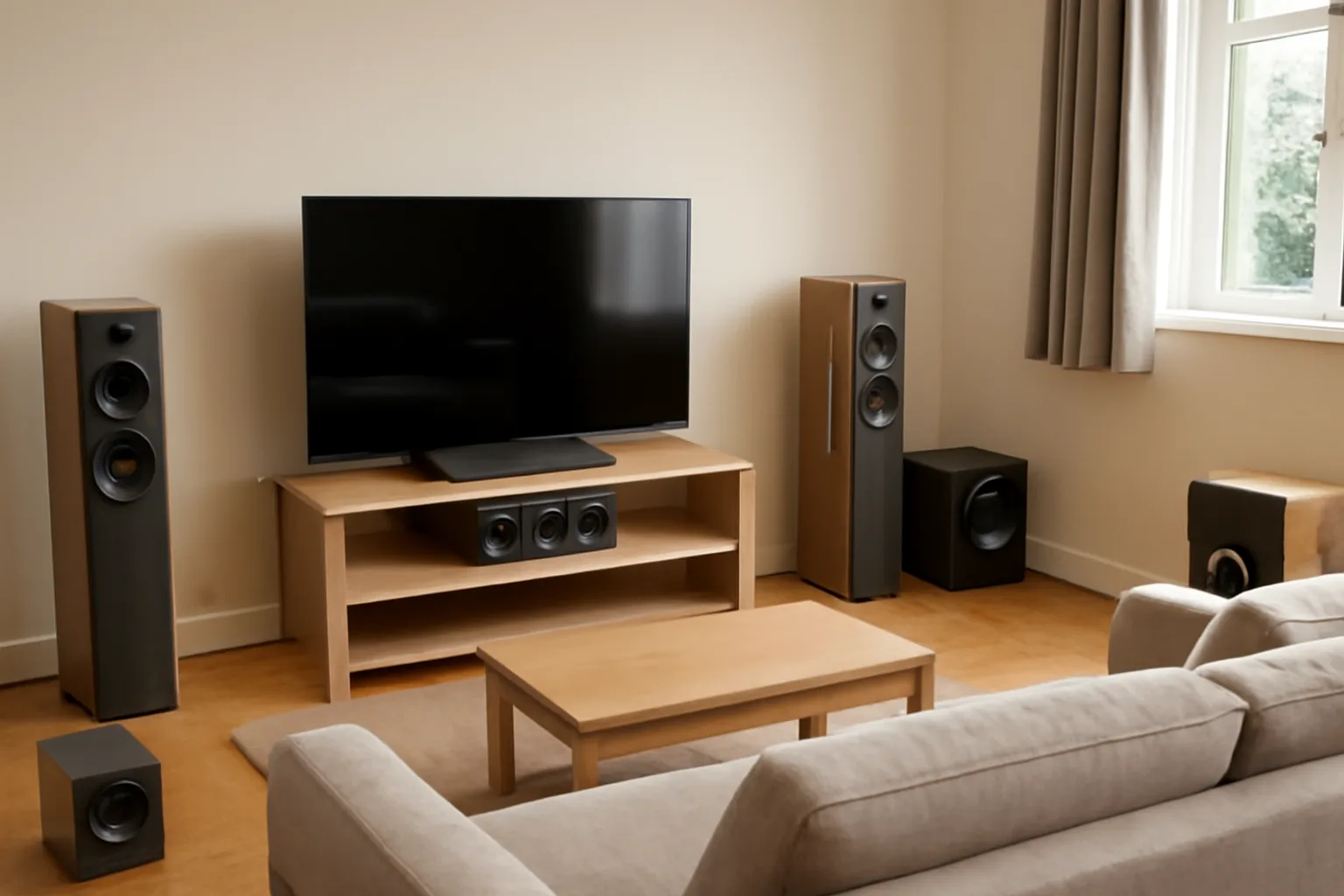
Home cinema is a compromise with furniture, but some compromises hurt more than others. A centre speaker pushed to the back of a TV unit will sound boxed-in. Surround speakers firing into a sofa cushion will not create surround sound. Height speakers too far forward or too wide will not give convincing Atmos effects.
If you cannot place speakers well, scale the system down. A well-placed 3.1 setup is often better than a messy 7.1 setup that exists only on paper.
Buying a receiver to fix a soundbar problem
If your issue is that a soundbar sounds thin in a large room, an AV receiver and passive speakers can be the right upgrade. If your issue is that you want fewer boxes and no cables, it probably is not.
Our soundbar vs AV receiver comparison covers that decision directly. The short answer: choose a receiver when you care about proper speaker placement, upgrade paths and stronger surround sound. Choose a soundbar when simplicity matters more.
Forgetting everyday usability
The best receiver is the one everyone can use. Label the HDMI inputs properly. Set the TV remote to control receiver volume through HDMI-CEC if it behaves. Keep the original receiver remote somewhere obvious. Take a photo of the back panel before pushing the unit into the cabinet.
None of that appears in the spec sheet, but it saves frustration. A home-cinema system that sounds brilliant only when one person in the house operates it is not finished.
Frequently Asked Questions
How many channels do I need in an AV receiver? Most UK living rooms are best served by five or seven powered channels. Choose five channels for 5.1, seven for 5.1.2 Atmos or 7.1, and nine only if you have the room and speaker plan to use them.
Is a Denon or Yamaha AV receiver better? Denon is often the easier recommendation for HDMI features and Audyssey room correction at mid-range prices. Yamaha is still strong if you like its setup menus, MusicCast support and slightly leaner sound.
Do I need HDMI 2.1 on an AV receiver? You need HDMI 2.1 if you want 4K/120Hz gaming, VRR or ALLM through the receiver. For films and TV streaming only, eARC and reliable 4K HDR passthrough are usually enough.
How much should I spend on an AV receiver? Most first proper systems should spend about £450-£700 on the receiver. Go cheaper for a simple 5.1 setup, and go above £900 only if you need more channels, pre-outs or a larger Atmos layout.
Can I use old speakers with a new AV receiver? Usually yes, as long as the speakers are passive, in good condition and have a safe impedance rating for the receiver. Check the speaker label or manual, especially with older 4-ohm speakers.
Should I buy an AV receiver or a soundbar? Buy an AV receiver if you want proper surround speakers, better upgrade options and stronger film sound. Buy a soundbar if you want fewer boxes, fewer cables and simpler daily use.